

 Tour purchase
  About Us
  News
News  Information
  For tourists
  Flight check-in
  Additional services
  Online flight board


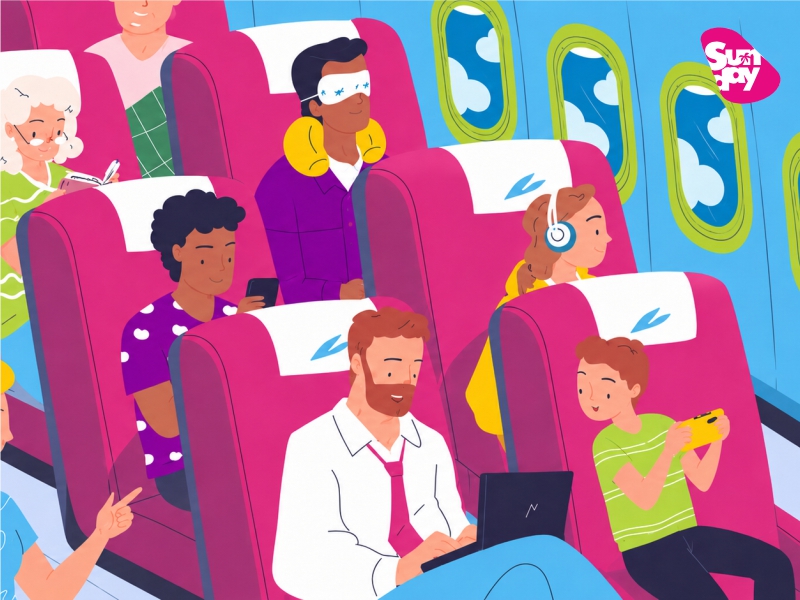
To select a seat on board, you must book the service in advance. The cost depends on the seat category:
Priority seats (front of the cabin):
1 row - 40 USD
These seats are typically located at the front of the cabin and may provide increased legroom, although the configuration may vary depending on the aircraft type.
2–3 rows — 30 USD
Located at the front of the cabin, they allow for faster boarding and exiting. Legroom is standard (not increased).
Seats near emergency exits:
30 USD
Seats near emergency exits: Seats near emergency exits may provide extra legroom.
Passengers under 18 and over 60 are prohibited from occupying these seats.
Standard seats:
Window seat - $10
Aisle seat - $10
Middle seat - $5
Business class (Boeing 767) — 90 USD
*WHEN USING MIR PAYMENT SYSTEM CARDS, YOU MUST SELECT CURRENCY (RUB)
*WHEN PAYING WITH VISA/MASTERCARD CARDS, THE CURRENCY SHOULD BE INDICATED TENGE (KZT)
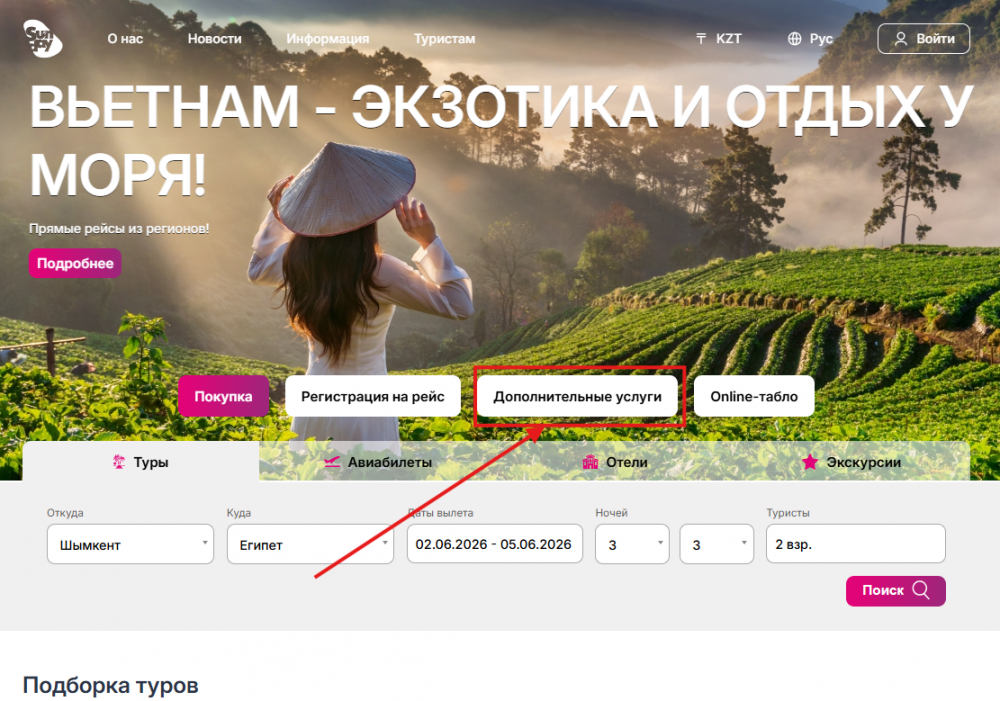
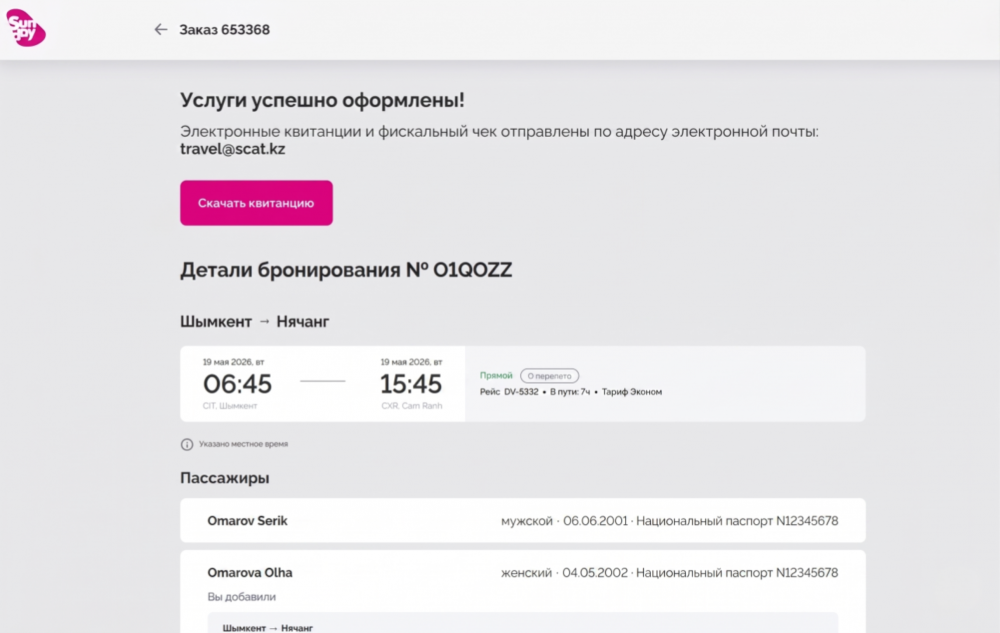
www.sundayairlines.kz select the Additional Services tab
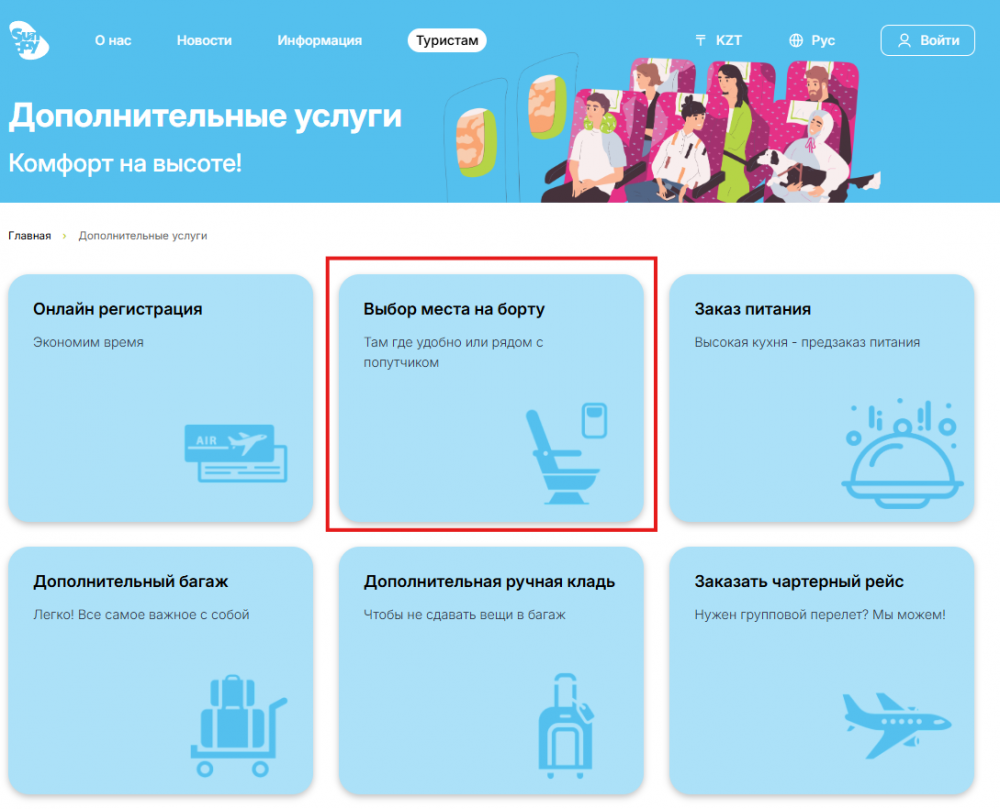
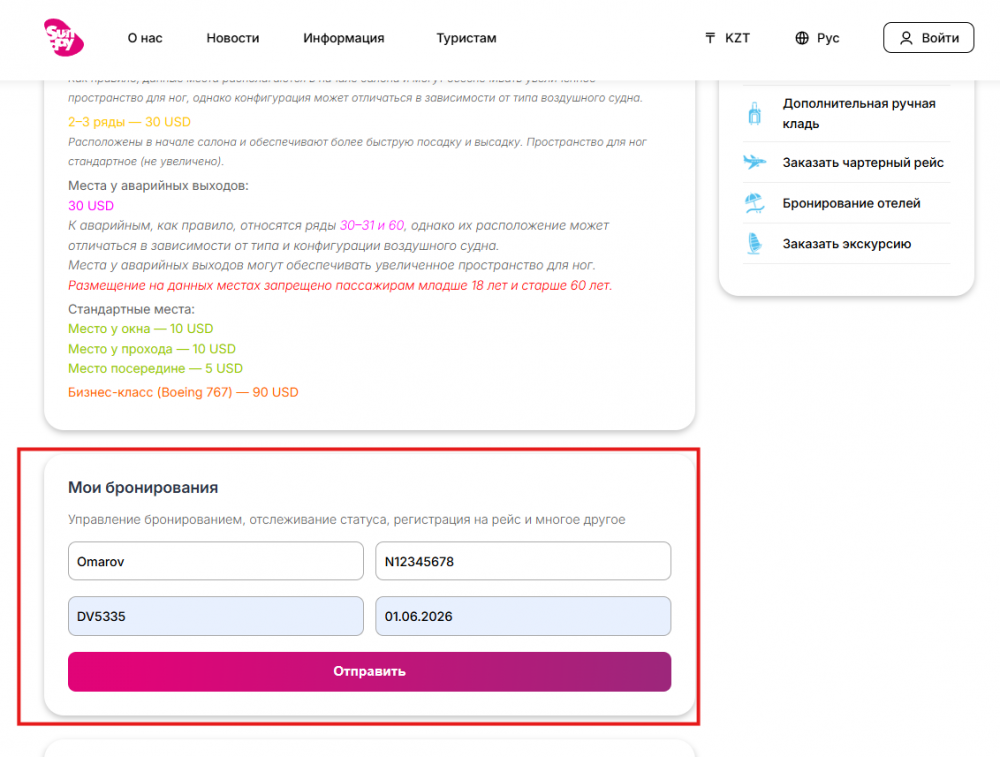
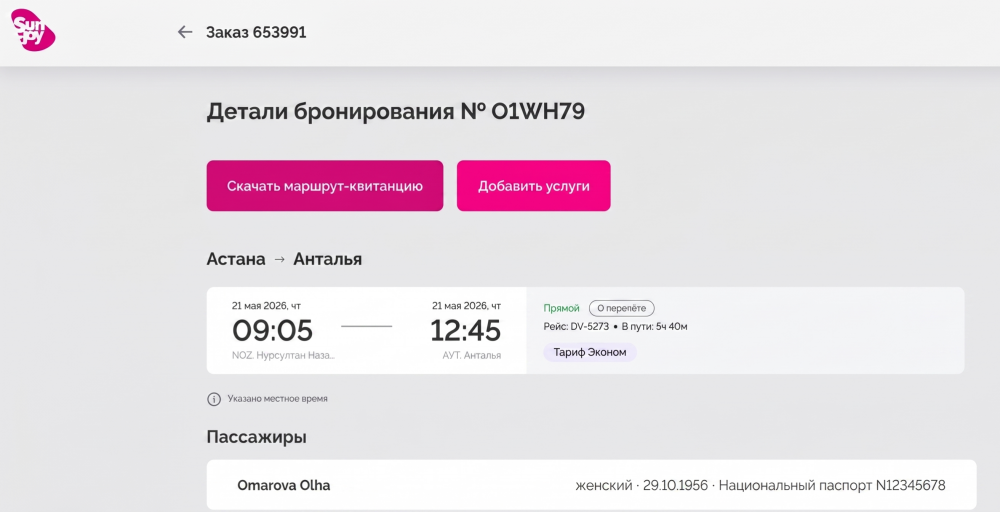
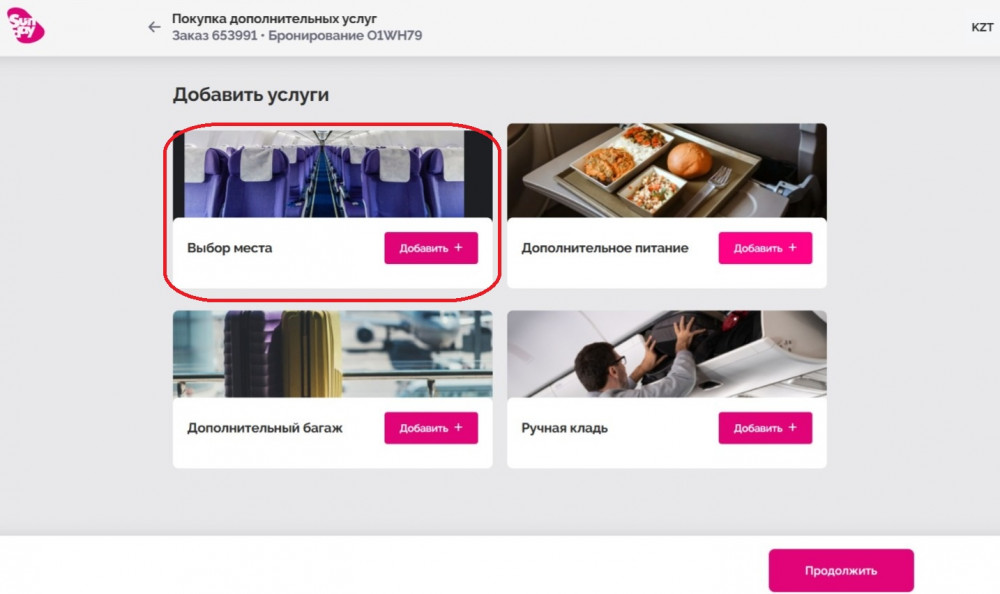
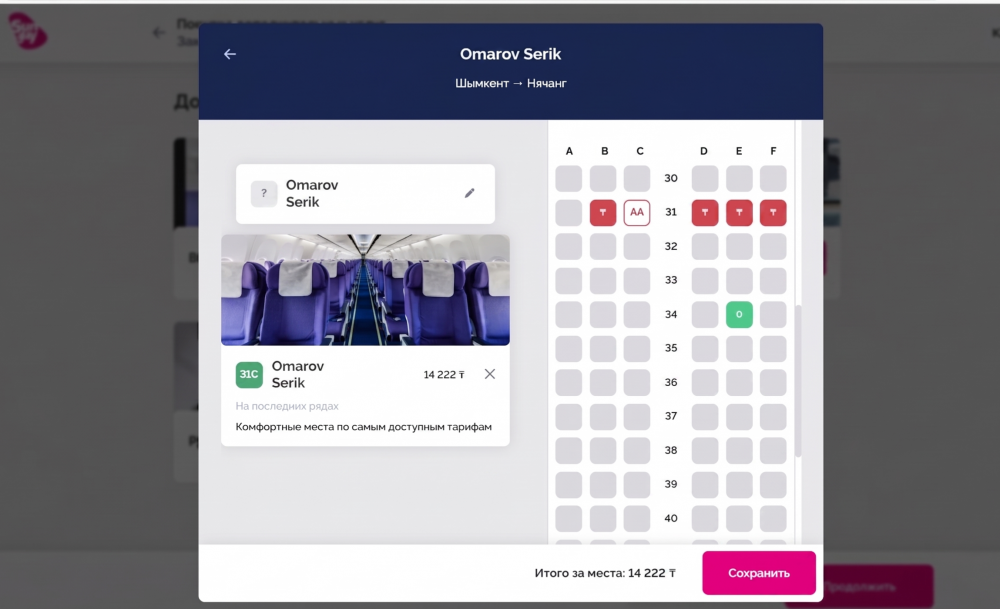
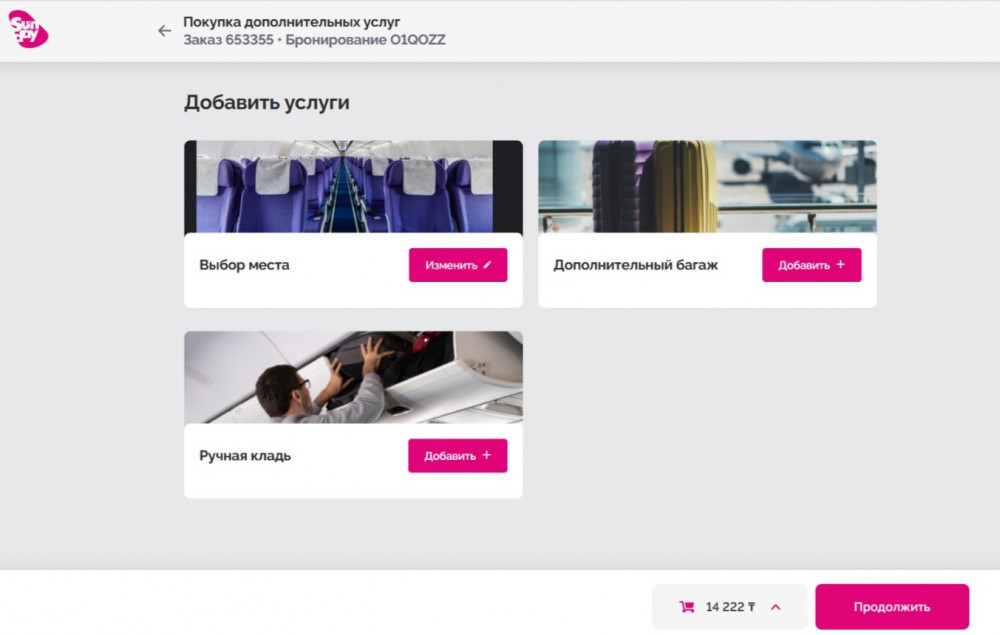
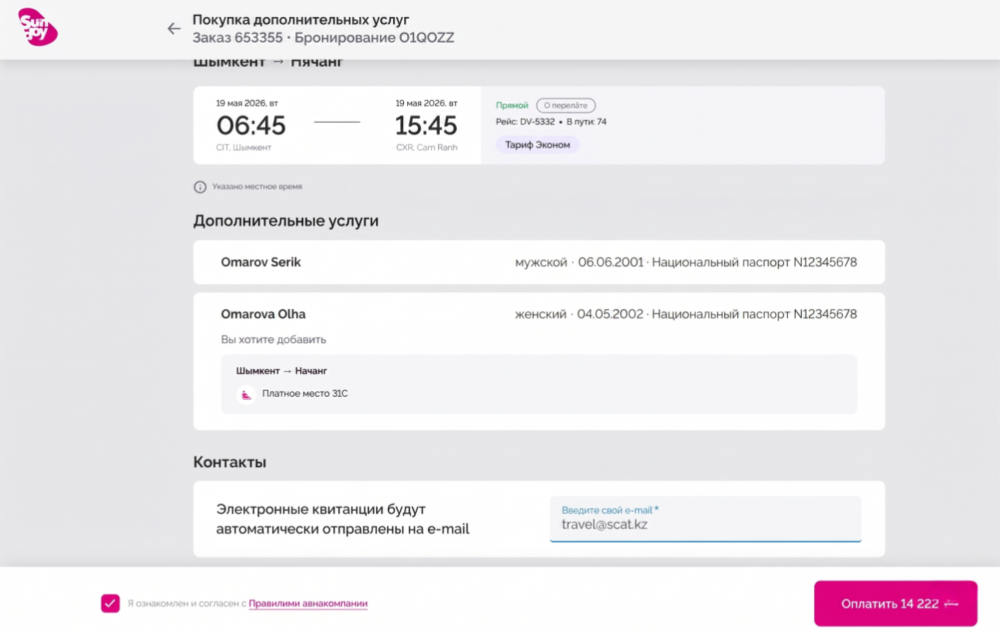
*WHEN USING MIR PAYMENT SYSTEM CARDS, YOU MUST SELECT CURRENCY (RUB)
*WHEN PAYING WITH VISA/MASTERCARD CARDS, THE CURRENCY SHOULD BE INDICATED TENGE (KZT)
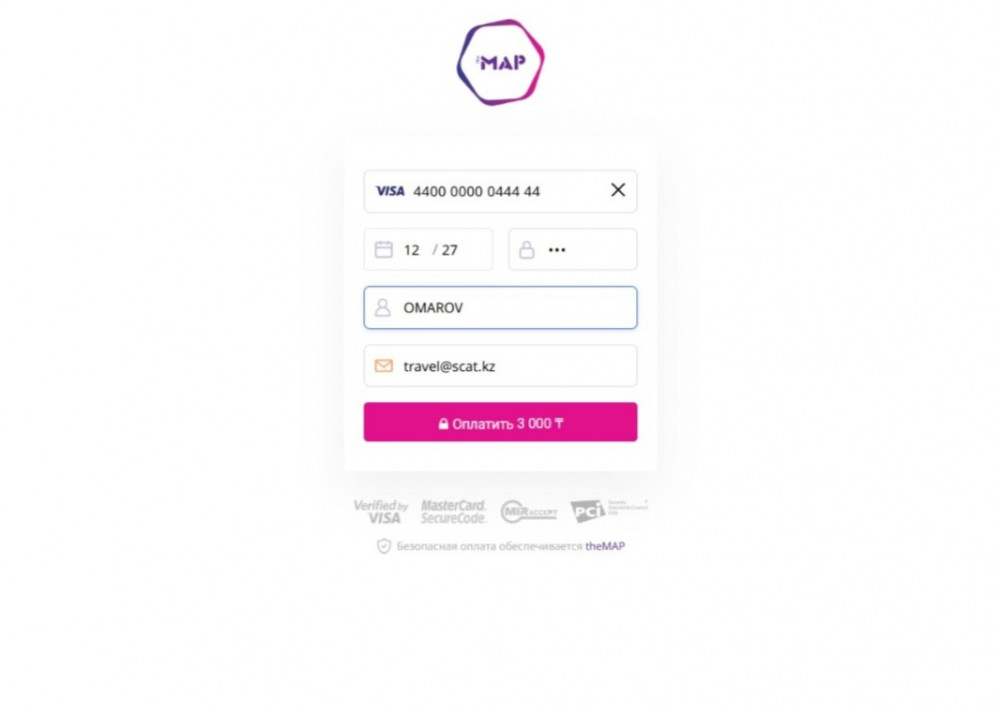


 KZT
KZT  KZT
KZT  RUB
RUB  Eng
Eng  Русский
 Қазақ тілі
 English
